
Your database client.
Your agent’s, too.
Write queries, edit rows, review every change. With a built-in MCP server.
Beta for macOS. Works with PostgreSQL and MySQL.


Watch your agent ask.
Every request goes through Oxbow, and Oxbow answers with only what you allow.
Your agent
run_query SELECT title, stock FROM books WHERE stock < 5Oxbow4 rows, read in a transaction that rolls back.
Your agent
run_query SELECT name FROM customersOxbowBlocked: customers.name is hidden.
Your agent
propose_changes books, id 7: stock 12OxbowWaiting for your Save in Oxbow.
Your agent
execute_statement DROP TABLE ordersOxbowBlocked: only INSERT, UPDATE and DELETE.
Every request stops at Oxbow.
Reads go through. Proposed changes wait for you. The rest is turned back.
SELECT title, stock FROM booksGoes through, read only, and the rows come back.UPDATE books SET stock = 12Stops at Oxbow as a pending edit, until youSave.SELECT name FROM customersTurned back:customers.nameis hidden.DROP TABLE ordersTurned back: onlyINSERT,UPDATEandDELETE.
You decide what your agent can do.
Every connection starts unshared. Share one, and choose what the agent may run on it.
Read & Write on a remote server asks you first.
describe_tablebooksColumns, keys and indexes.
run_querySELECT title, price FROM booksBlocked: queries are off.Rows, read in a transaction that rolls back.
run_querySELECT name FROM customersBlocked: queries are off.Blocked: customers.name is hidden.Rows, read in a transaction that rolls back.
execute_statementUPDATE books SET price = 16.50 WHERE id = 1Blocked: queries are off.Blocked: queries are read only.Runs and commits.
propose_changesbooks, id 1: price 16.50Blocked: changes are off.Opens as a pending edit and waits for Save.
execute_statementDROP TABLE booksBlocked: only INSERT, UPDATE and DELETE.

You see every call.
The activity list shows what your agent asked and what came back. Big results are trimmed, and slow queries are cancelled.
Edits wait for Save.
Each marked change is one statement. Save runs them in one transaction.

DELETE FROM "public"."books" WHERE "id" = 13;UPDATE "public"."books" SET "price" = 16.50 WHERE "id" = 1;UPDATE "public"."books" SET "stock" = 12 WHERE "id" = 2;UPDATE "public"."books" SET "price" = 12.50 WHERE "id" = 7;INSERT INTO "public"."books" ("author_id", "title", "isbn", "price", "stock", "published") VALUES (2, 'The Left Hand of Darkness', '978-0000000141', 16.00, 10, '1969-03-01');
See the whole schema, and change it.
Open any schema as a diagram and edit it there: tables, columns, indexes and foreign keys. Nothing runs until you apply it.


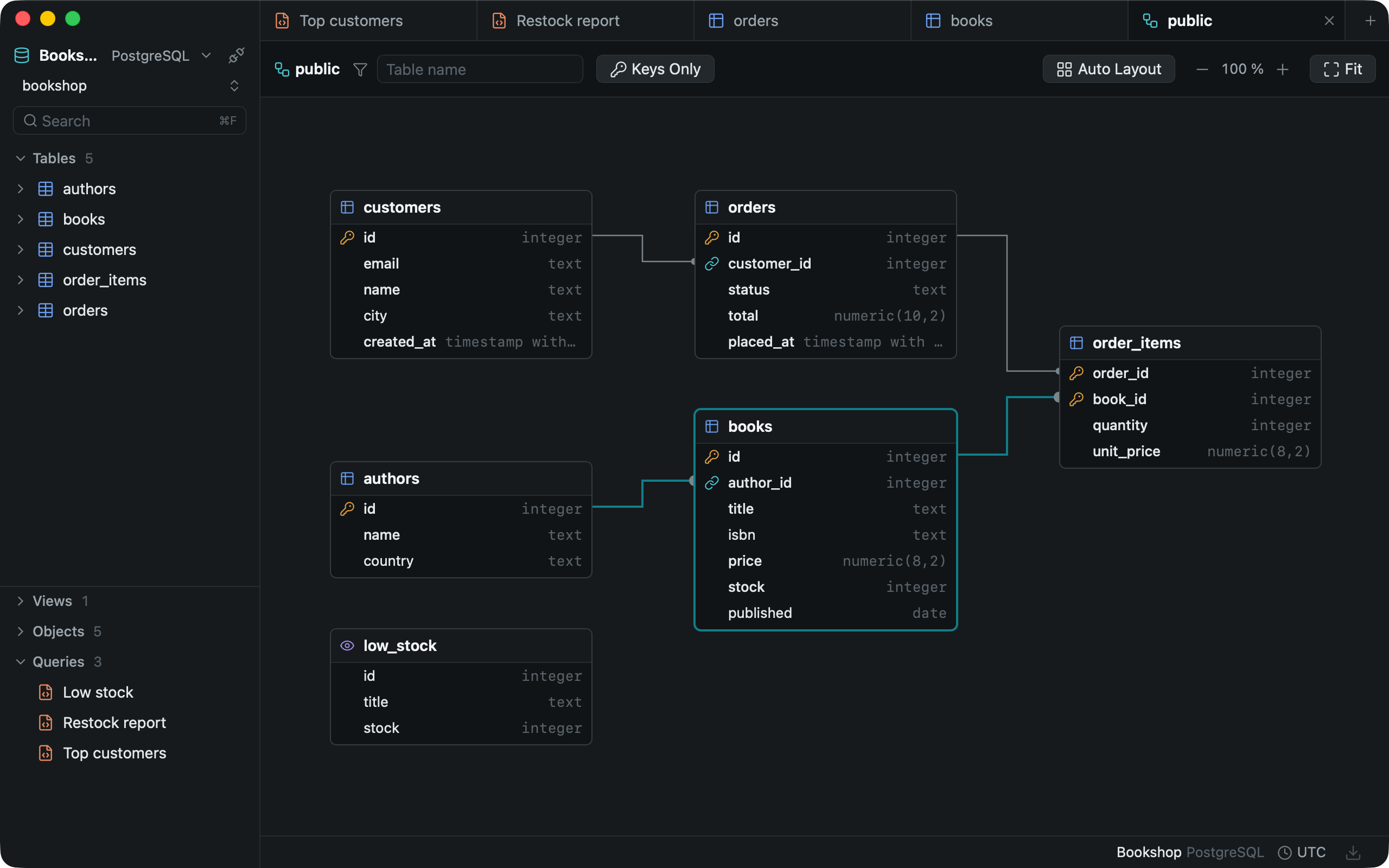
Relations at a glance
Foreign keys draw the lines. Select a table and its relations light up.
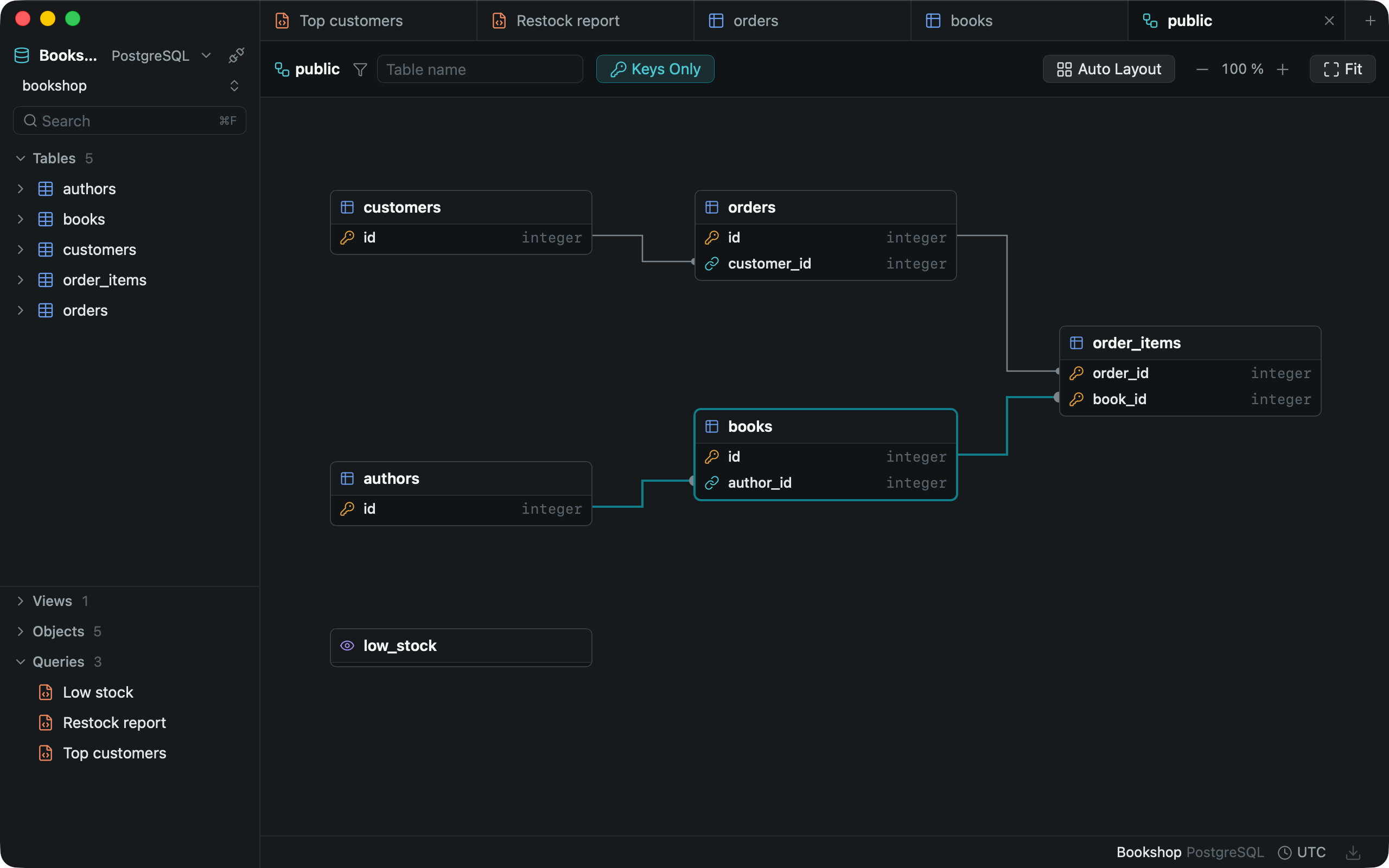
Keys only
Large schemas fold down to their primary and foreign keys.
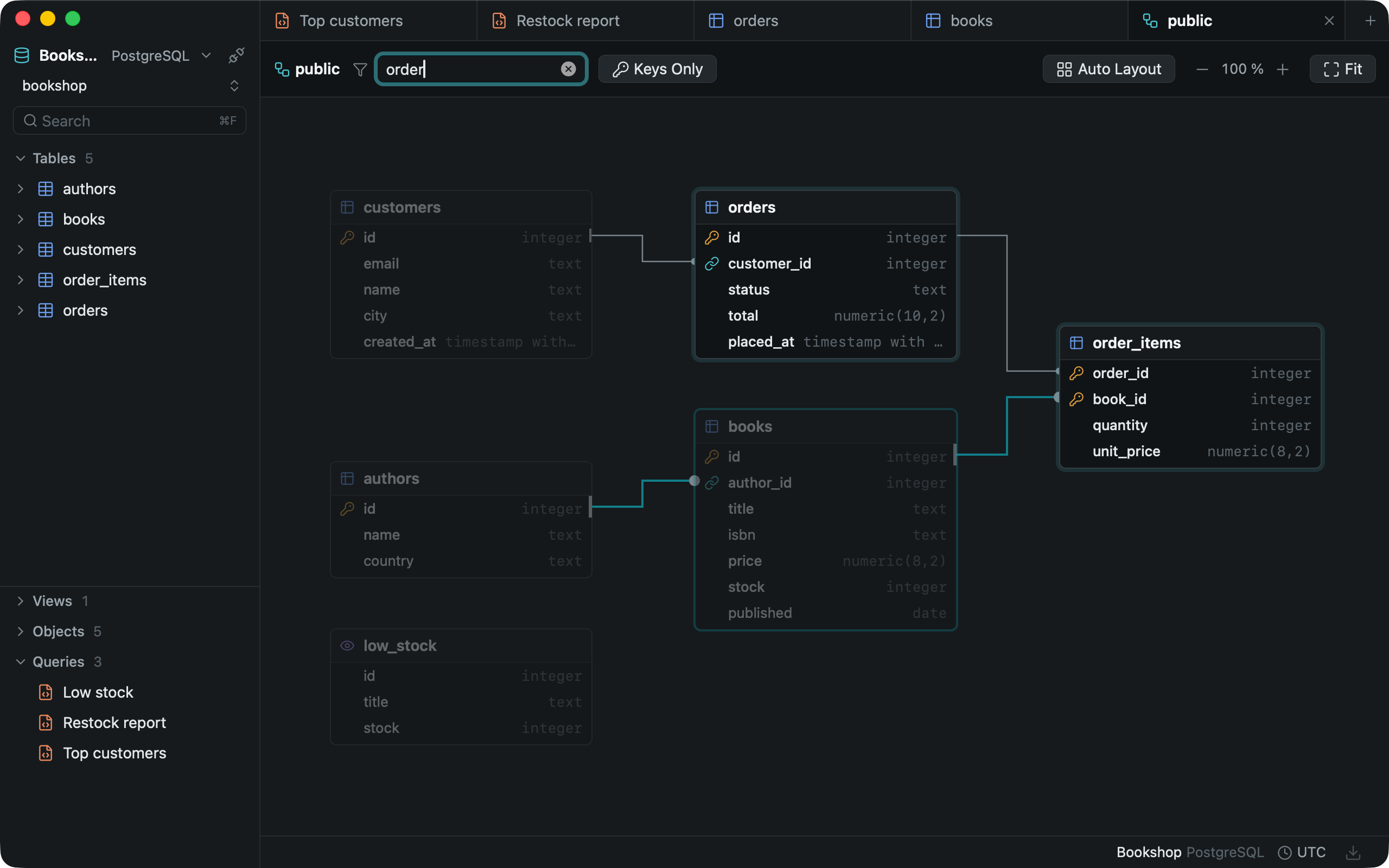
Find a table
Type a name and the rest steps back. Double-click a card to open its table.
Built around how you write SQL.
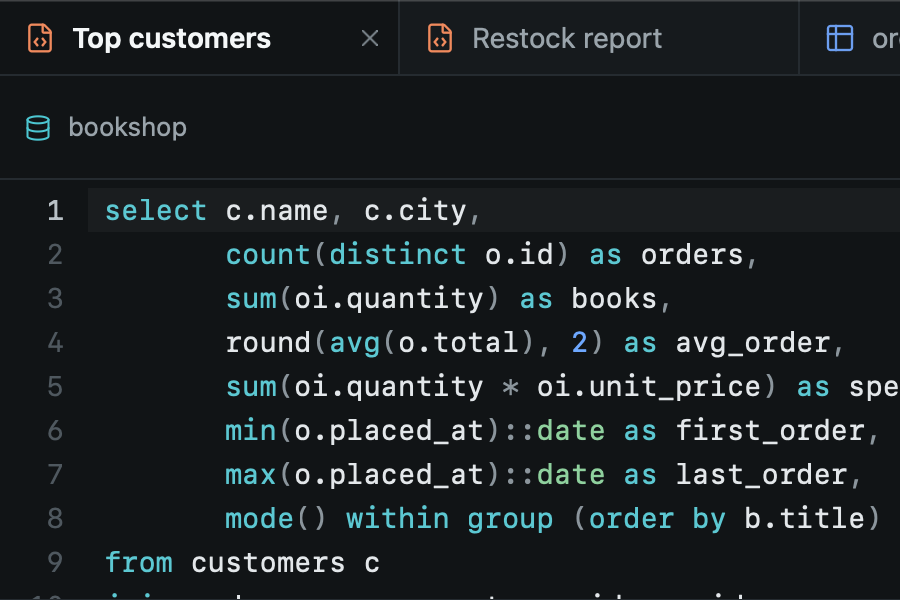
Queries save themselves
Saved 600 ms after your last keystroke. Tabs reopen when you reconnect.
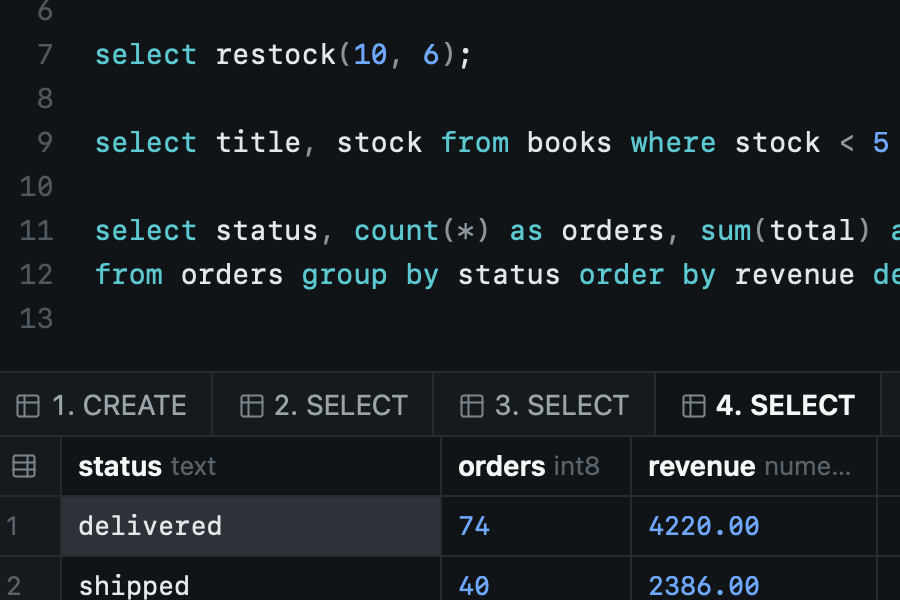
Scripts split cleanly
$$ bodies, BEGIN ATOMIC and DELIMITER are understood. One result tab per statement.
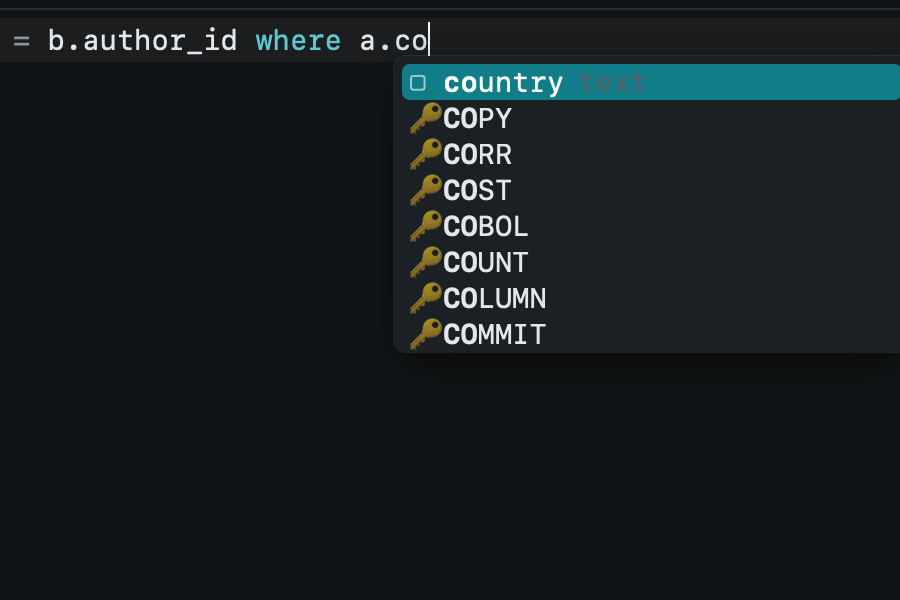
Completion reads aliases
Join authors as a, type a.co, and country comes first.
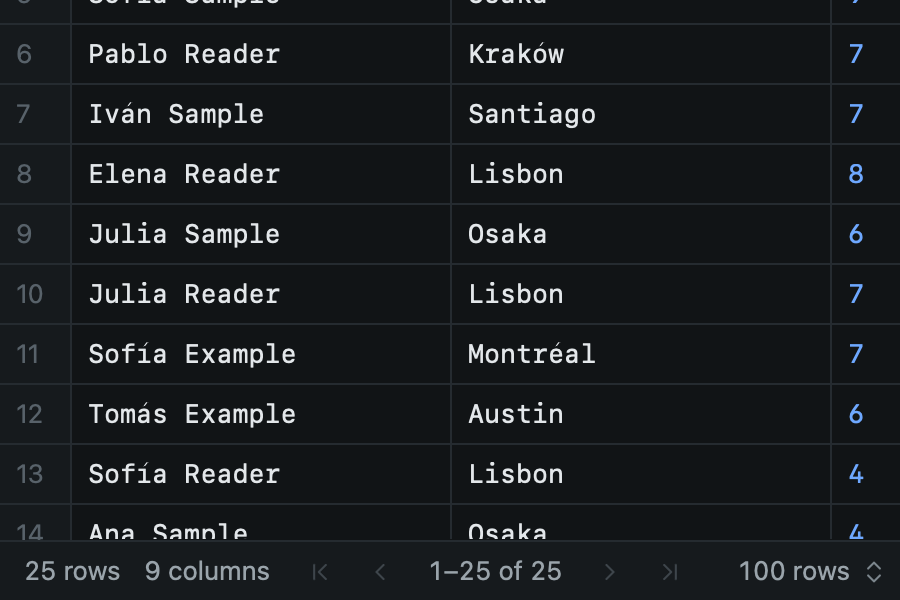
One run, every page
A query runs once. Up to 10,000 rows stay in memory for paging.


Look around first.


Questions
Do I need an account?
No. Download it, add a connection and run your first query.
Where are my passwords kept?
In the system keychain, never in a plain file.
Does Oxbow send my data anywhere?
No. Connections, queries and results stay on your machine. Oxbow talks only to your databases, and to GitHub to check for updates unless you turn that off.
Which servers can it reach?
Any database your machine reaches: local, in Docker, on a server or through an SSH tunnel.
Can my AI assistant use it?
Yes. Turn on the MCP server, click Add next to your agent app, like Claude Code or Cursor, and share a connection. Agents are read only unless you allow more, and you can have every change wait for your review.
Can an agent drop a table?
No. Agents can only send single INSERT, UPDATE or DELETE statements, never schema changes, and only where you allow writes. With Review in Oxbow, those changes wait for you. For a hard guarantee, give agents their own database user.
Can I change the schema without writing SQL?
Yes. Edit tables, columns, indexes and foreign keys from the schema diagram. Changes wait until you apply them, and Preview SQL shows every statement first.
Can I import a CSV or Excel file?
Yes. CSV, TSV, Excel and JSON files go into an existing table or a new one. If a row fails, nothing is imported, and Oxbow tells you which row and why.
How do I report a problem?
From Oxbow: Settings, then Report a Problem. It opens a GitHub issue with your version already filled in.
How do I get new versions?
Oxbow tells you when one is out and installs it when you say so. Your connections, saved queries and history are kept.
Bring the agent you already use.
Claude, Codex, Cursor and Windsurf in one click, or any MCP client by hand. Then choose what it sees.
Download the beta